May I criticize this green accent color (at least on a dark background):
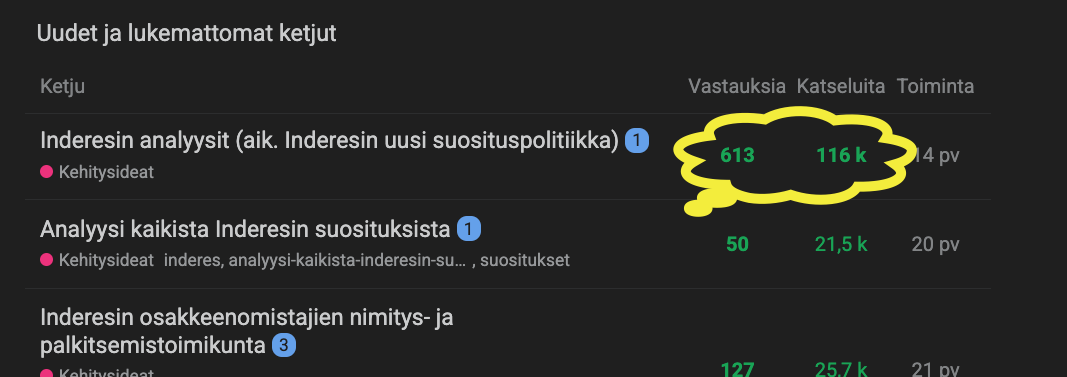
Generally, the new theme
Why doesn’t Inderes show Faron’s insider trades? Quite often, insiders’ actions and words don’t align….
Am I the only one who doesn’t see the “Save Changes” button in the Profile section of the forum’s user settings?
I can’t save any changes related to the profile because the button is missing. In all other settings menus, that button is present.
EDIT: The required “Save Changes” button is still missing on the Profile settings page; no changes can be saved.
These messages had a translation bug and were left badly unfinished:
Could editing the messages have caused that outcome?
Hi, the top bar menus on Inderes’s pages don’t work at all on Samsung S23/Chrome browser. The front page opens, but if you click any link, the next page doesn’t open properly. I couldn’t open the forum at all. FYI
In the Vivaldi browser (Linux), the fonts on Inderes’ front page are “jumping”.
On the forum side, everything is okay.
The problem does not occur in Firefox and Chromium.
Yes, good idea, we’ll add it to the list.
Hmm yes, I understand the need! We wouldn’t want to stretch that element too long, but we’ll see what we can do.
Yes, we’ve considered this before, meaning essentially a compact view similar to what’s in releases, but for all content?
Yes, we’ll consider this along with the one above.
You may criticize, it would indeed be good to change that.
Hmm, I didn’t see insider trades in the releases myself. These come to us automatically from Millistream, so are there reported trades missing from there?
This seems to be broken, sorry! Hopefully, it will be fixed in the next Discourse update.
Yes, I already replied in the other thread, that translation queue has been somewhat stuck  I translated them manually, it should improve once we get rid of the queue eventually.
Strange @calamento, I’ll send you a message!
This is also strange, we’ll investigate!
Hi @jaapo If you’re familiar with your browser’s “Dev tools”, could you try visiting the page again, but with the following:
Dev tools open →Network tab open →Disable cache option selected (i.e., enabled) →I’m trying to reproduce the problem with the Flatpack version of Vivaldi; are you also using that version? Have you encountered other pages where fonts are wavy? I’d be happy to try those as well, as I currently can’t reproduce similar waviness.
Do you have any other settings or “flags” enabled in your browser that could affect fonts? Do you allow web fonts to load, or does your browser use your system’s own fonts? Are your graphics card drivers up to date? I assume you have updated your browser to the latest version.
Hi @waha
I performed the test according to your instructions, no effect.
Using Fedora Kinoite and Vivaldi from Flatpak (Flathub), and on another machine Arch Linux where Vivaldi is installed from the Arch Linux package repository, the same ripple effect is observable on both.
On the Fedora machine: CPU: Intel(R) Core™ i5-8259U (8) @ 3.80 GHz GPU: Intel Iris Plus Graphics 655 @ 1.05 GHz [Integrated]
I haven’t encountered anything similar on other websites, only on the Inderes front page.
Vivaldi is used with default settings.
Vivaldi 7.6.3797.63 (Stable channel) (64-bit)
Edit:
I notice the ripple effect more clearly if the page zoom is 100% or less.
Hi @waha
I continued testing with Vivaldi, and by changing the following setting, font waving no longer occurs in Vivaldi on the Inderes front page (on my machine).
“Dev tools”
Elements:
Styles:
body {
font-family: var(–font-family);
text-rendering: optimizelegibility;
font-feature-settings: “calt”, “clig”, “kern”, “liga”, “locl”, “rlig”;
}
by changing it, for example, to:
body {
font-family: system-ui, sans-serif;
text-rendering: optimizelegibility;
font-feature-settings: “calt”, “clig”, “kern”, “liga”, “locl”, “rlig”;
}
Hopefully this is of some use?
Thanks @jaapo for testing!
–font-family returns GT America, sans-serif after a couple of detours, the first of which is a commercial font. I tried to replicate the problem with the same browser version but this did not yield results for me. We do, however, have different machines, which certainly affects the matter.
I’m still looking into it, but; I have found mentions of a similar problem with Chromium since 2009, and it doesn’t help that the Vivaldi browser is often about two versions behind Chromium. Some have solved the problem by clearing the browser’s cache, disabling the browser’s graphics card setting (”Hardware acceleration”, I don’t recommend it as it affects, for example, video viewing, but you can try) or updating the graphics card drivers.
There is also hope that the issue will resolve itself in a newer Chromium version once Vivaldi adopts it (latest: 142.x, Vivaldi: 140.x).
I also found a recurring problem for Chromium, which also appears in Vivaldi, that to test it you need to go to chrome://flags or vivaldi://flags and search for ”Accelerated 2d canvas”, and disable it if the setting is on/enabled. Some users have reported that after every Chrome update, they reset everything or make changes to the flags because of this font issue. I added a few direct links to the flags at the end of the message.
Another thing we can try is to rename the commercial font differently. If the problem is that Vivaldi/Chromium makes a local copy of the font on the machine and uses the local version of the font instead of the font we provide; for example, if you have visited another page where a font of the same name is used, this might be in the browser’s local cache on the machine (different from the browser’s ”cache”). The browser’s cache may also have become corrupted, which can cause problems.
Below are flags you can try (you can see the descriptions in the flag itself):
chrome://flags/#disable-accelerated-2d-canvas
Setting: Use hardware acceleration when available → off or on, depending on the current setting (I found it myself in the browser settings by searching for ”accel” at chrome://settings/)
chrome://flags redirects you to vivaldi://flags but the setting is the same.
E: removed links to outdated settings
Thanks for the reply @waha
I tried the flags, I didn’t notice a change.
I tested the xfce version 4.20 desktop.
I adjusted from the settings:
Appearance → Fonts → DPI from 96 to 106, it works okay already at 97.
And after that, I restarted Vivaldi and the font issue in question had disappeared!
Follow-up:
Hi @waha
A new version of Vivaldi appeared in which I no longer observed the font issue on Inderes’ front page.
Version: 7.7.3851.48
I tested xfce4 (dpi 96, x11) and kde plasma 6.5.2 (wayland) desktops.
Thanks for the information and it’s good that it works! Hopefully this change doesn’t cause you any other inconvenience.
Thanks for the info @jaapo! I was using Gnome Wayland when I tried to reproduce the problem.
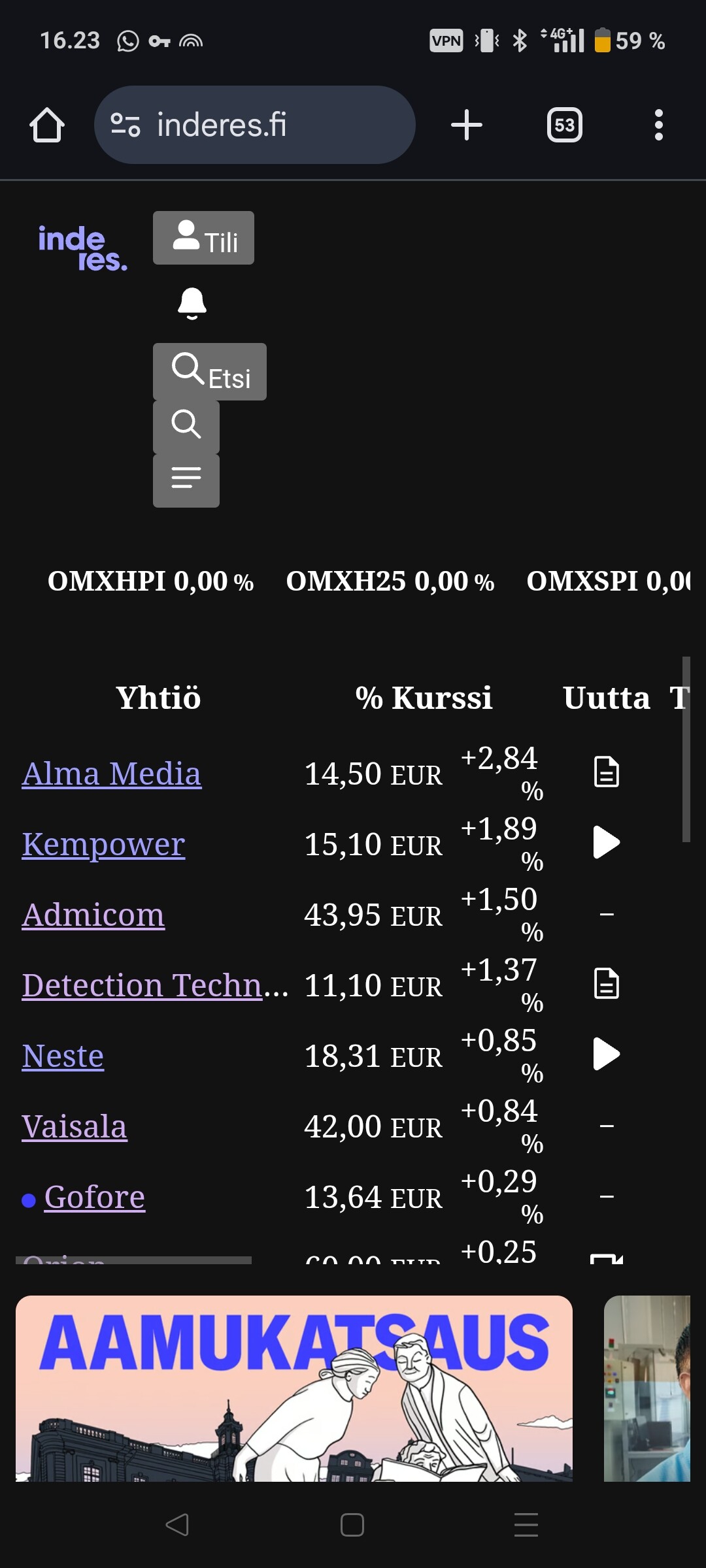
For some reason, Inderes’ homepage or company-specific pages haven’t been working for me for the past week on my phone’s Chrome browser (app updated, Chrome 142.0.7444.158). The pages look the same if I try to view it as a desktop site. However, the pages work normally with Firefox.
Hi @Viskisieppo! Have you tried clearing your browser’s cache yet? Välimuistin ja evästeiden poistaminen - Tietokone - Google-tili Ohjeet (instructions also for Android and iOS)
The forum doesn’t embed YouTube videos if the video was originally published as a livestream. This has somehow changed recently because it used to work before.
For example, Koskinen’s roast from yesterday, only a link appears, not the video:

Embedding doesn’t seem to be working on the forum at the moment with those YouTube live recordings. ^
Thanks for the info @Ilkka6! Either YouTube or Discourse has changed something in that embedding, let’s wait a bit to see if one of them fixes their mess 
This has now been fixed @Shinjuku-mies!
Inderes.fi is down due to the CDN (Cloudflare). This is a global issue, so let’s wait a moment for the situation to resolve. Apologies for the inconvenience!
It’s working again now, let us know if you encounter any issues!